
How to assign tasks to contractors in the personal account?
1. Log in to your account and go to the 'Tasks' tab
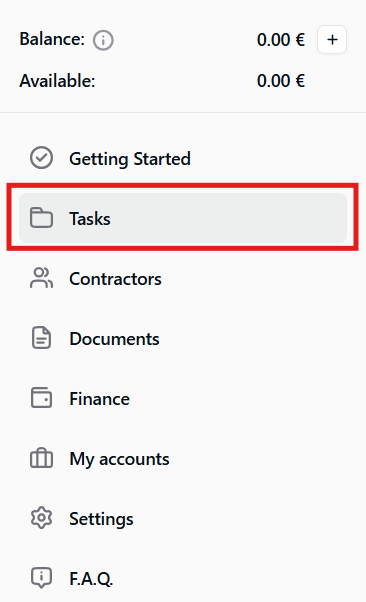
2. In the top right corner, click the 'Create a Task' button.

3. A task creation form will open. Fill in the required information, then click “Create Task” to publish the task.

Important: Provide a detailed description of the expected result for each task.
The cost of the work specified in the task must be economically justified and consistent with market rates, taking into account the specific circumstances of the transaction.
The higher the cost of the services provided or work performed, the more transparent the pricing should be, with a clear breakdown based on:
- the scope and complexity of the work;
- the required amount of labor;
- the contractor’s qualifications;
- the number of hours worked.